Create reference projects and employee profiles
Record references and staff as proofs and map them to the requirements of a tender.
Reference projects and employee profiles are your proofs of experience and staff. You create them once and then map them to the matching requirements of each tender. You find both in the sidebar in the Organization group under Reference projects and Employee profiles.
From Pro
You create reference projects and employee profiles from Pro onward, including the Pro trial. On the Free plan, you create no new ones. What each plan includes is under Plans.
Create a reference project
Open Reference projects in the sidebar and click Add Project. While the list is still empty, the button reads Add your first project.
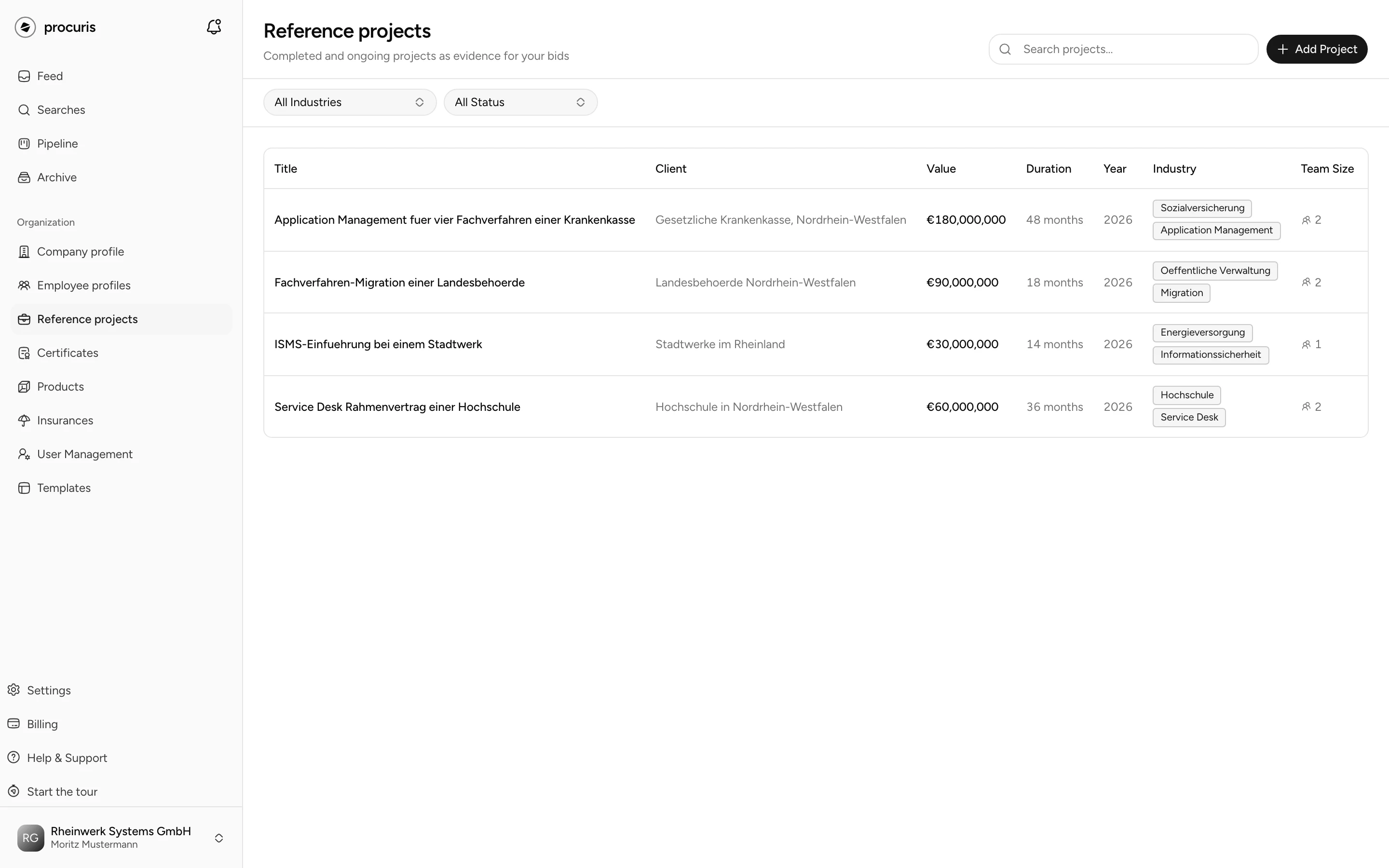
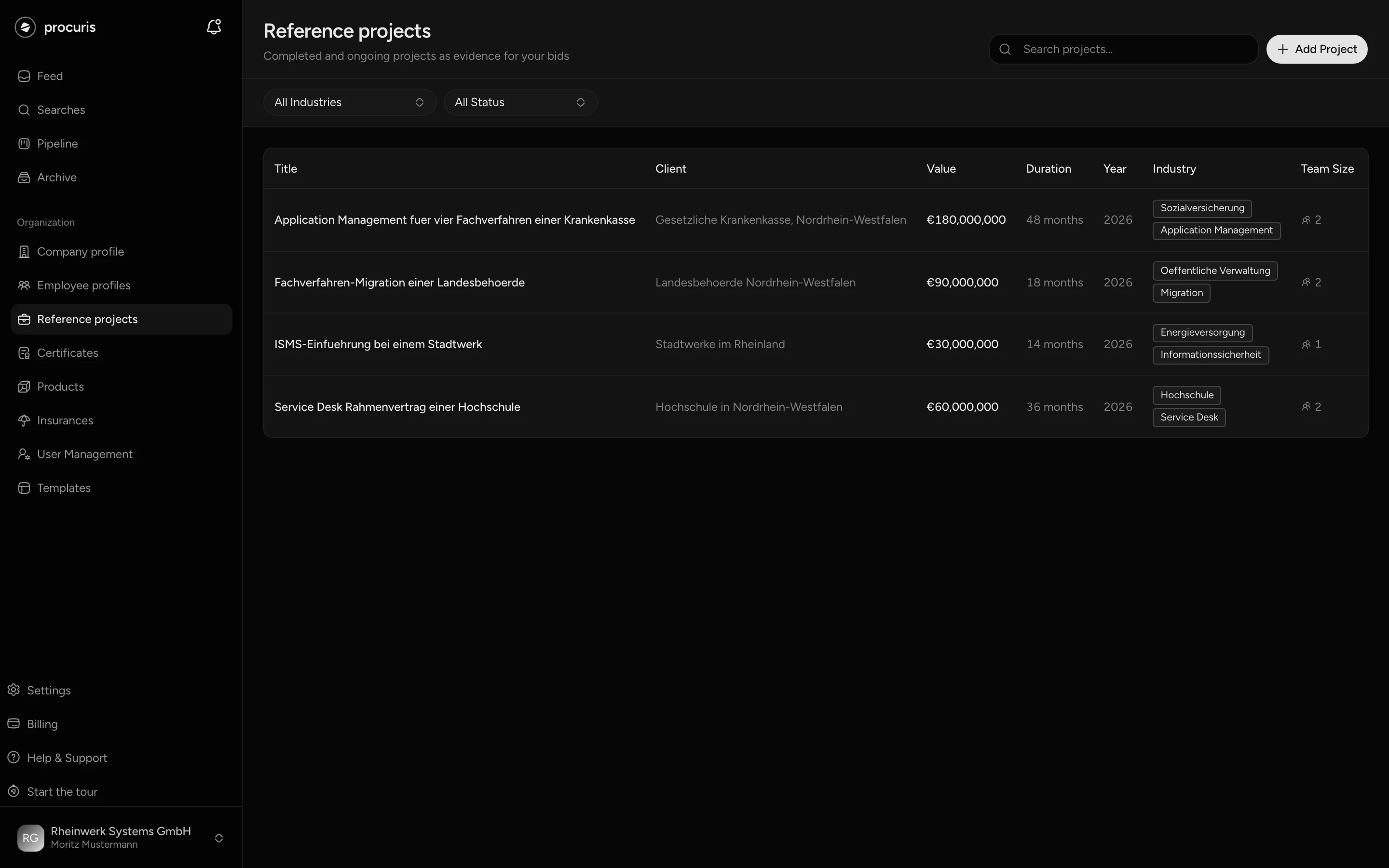
Under Basic Information, enter the Project Title and the Client/Customer Name. Only these two fields are required. Under Description, describe what you delivered.
Fill in the Metrics: Contract Value (€) and Start Date. A new project starts with Ongoing project (no end date) ticked, and the End Date field is then locked. If the project is completed, untick the box and pick the End Date. Duration (months), Team Size, Contract Type and Location complete the picture.
Under Classification, choose the Industry Sectors. The list is the same one tenders are classified by. Under Keywords, enter terms such as "ISO 27001" or "sewer rehabilitation".
Under Deliverables & Achievements, write one sentence per result and click Add Deliverable.
Under Team Members, use Add Profile to pick the people who worked on the project. The selection shows your employee profiles. If you map people, procuris counts the Team Size from them.
procuris then reports Project created successfully, and the project appears in the list. Start and end date must lie between 1900 and 2100, otherwise procuris does not save.
What a reference needs to work as a proof
Two fields are required, but a project only works as a proof with more. For references, contracting authorities usually ask for client, type of service, value and period of execution.
| What the contracting authority wants to know | Field in procuris |
|---|---|
| For whom | Client/Customer Name |
| What exactly | Project Title, Description, Deliverables & Achievements |
| How large | Contract Value (€), Team Size |
| When | Start Date, End Date |
| How comparable | Industry Sectors, Keywords |
Enter the End Date as soon as a project is completed, and untick Ongoing project (no end date) to do so. Many contracting authorities only count projects from the last three years, for construction work from the last five. Without an end date, this cannot be read.
There is no separate field for the contact person at the client. If the contracting authority asks for one, write name and phone number into the Description. You do not attach a file, such as the client's reference letter, to a reference project.
Complete details make the Fit more precise, the value from 0 to 100 that shows how well a tender suits your company. If procuris is unsure whether a project fits as a reference, it asks. How to answer is under Fit and threshold.
Create an employee profile
An employee profile describes a person you name to a contracting authority as staff, such as a site manager with ten years of experience. Contracting authorities ask for such details when staff qualification counts towards suitability. The person does not need a procuris account.
Open Employee profiles in the sidebar and click Add Profile. While the list is still empty, the button reads Add your first profile.
Enter First Name and Last Name, both are required. Current Role/Position, Division, Location/City, Email and Phone are optional. A Profile Photo may be JPEG, PNG, WebP or GIF and at most 5 MB.
Enter the years of work under Experience (Years). Under Certifications, enter the person's proofs with Valid until, under Skills their focus areas, under Education (Optional) degree, institution and year.
An employee profile counts in two places. In a reference project, it shows who worked there. In the workbook, it appears as a proof in the Team group.
Map references to a tender
Mapping happens in the workbook, the place where you work on one tender. The Pipeline shows your tenders in progress as a board with columns and cards. On the card, Edit in workbook opens the workbook.
In the workbook, use Switch module to open the Suitability module. The requirements of the contracting authority are on the right, your proofs by group on the left, among them References and Team.
Point at the reference project or employee profile on the left and click Assign. You can also drag the row onto the requirement.
The proof then appears by name on the requirement, and the requirement counts as covered. The top shows, for example, 3 of 12 covered. On the left, a number such as 2× shows how many requirements the proof is mapped to. You undo a wrong mapping with the × next to the name on the requirement.
The Suitability module needs requirements. If there are none, record them first in the Requirements module, see Record requirements. procuris can propose the mapping: the Map qualifications button in the module maps the proofs of your profile to the requirements. These mappings appear as Proposal for the requirement, and you decide with Accept or Reject.
Even before the workbook, the preview of a hit from a saved search (the area to the right of the hit list) shows in the Suitability section where a reference is missing. There, Add reference project and Add employee profile open the matching form without leaving the tender. The Team row at the top of the preview, by contrast, means your colleagues in procuris, not the employee profiles.
Take references from existing documents
The chat takes a reference project from a file, such as a reference letter as a PDF. Attach the file in the chat and write "Add this to the profile." The chat names the file and asks whether it should add it to the profile. After your yes, it reads the file, reports read as reference and creates the project. Go to the entry in the company profile opens the new reference project. Check the details there, because the chat takes them from the file.
If a project with the same title and client is already in the list, the chat does not create a second one. It also works without a file: give the chat title, client and period, and it enters the project after your yes. Which files the chat reads is under Chat. The chat does not take over employee profiles, you create those in the form.
Change and delete
Clicking a row in the list opens the form for editing. Save your change with Save Project or Save Profile. The trash icon under Actions deletes the entry after a confirmation, and this cannot be undone.
The search field Search projects... finds projects by title, client and keyword. All Status shows only Completed or Ongoing. All Industries narrows the list to one industry. It only offers the industries you chose under Industry Sectors in your projects. In the employee profiles, Search profiles... searches by name, role and skill. There is no status filter there.
Who may change references
All three roles, Owner, Administrator and Member, create, change and delete reference projects and employee profiles. They create new entries only from Pro onward, not on the Free plan. There is no read-only role. The owner assigns roles, as described under User management.