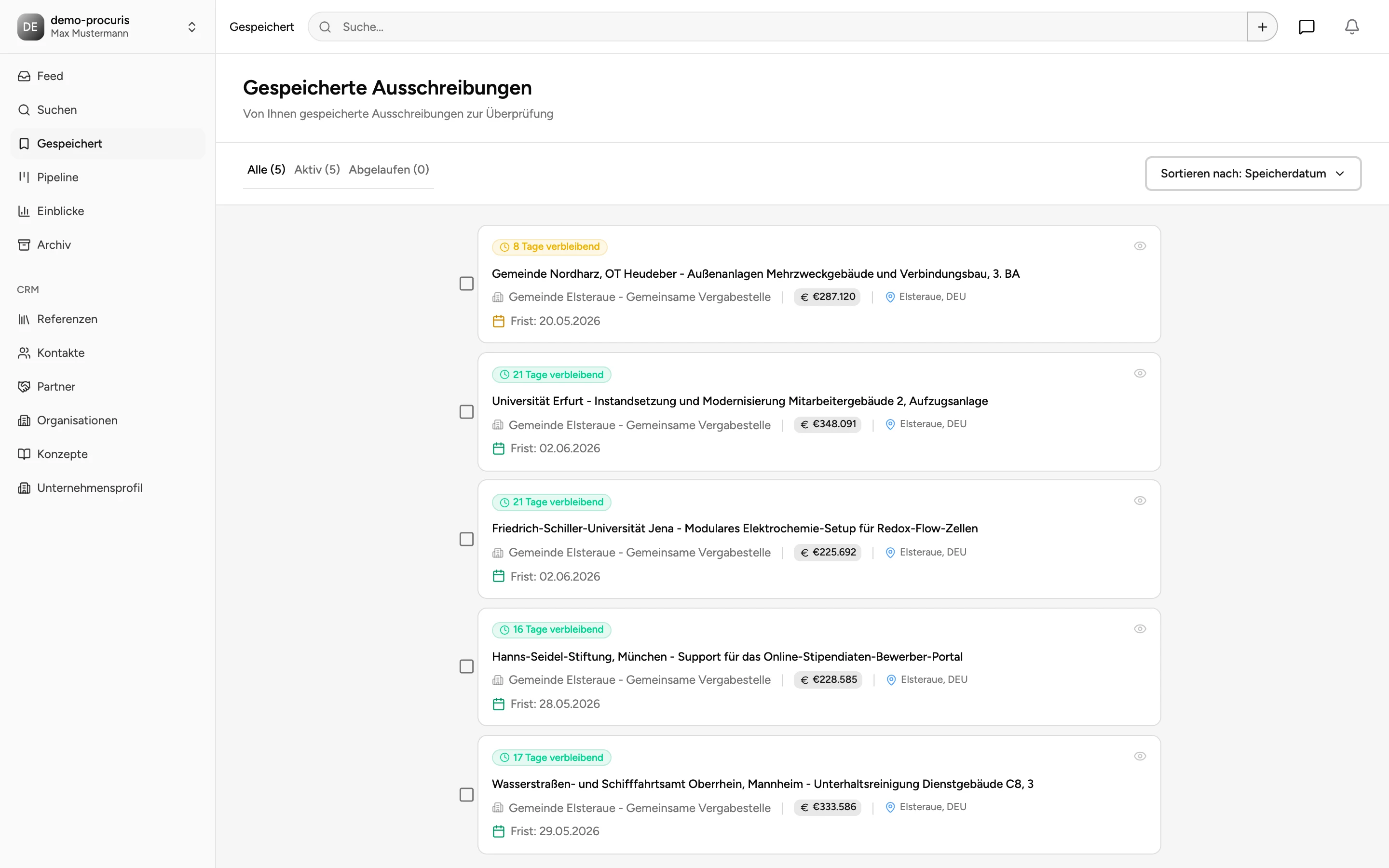
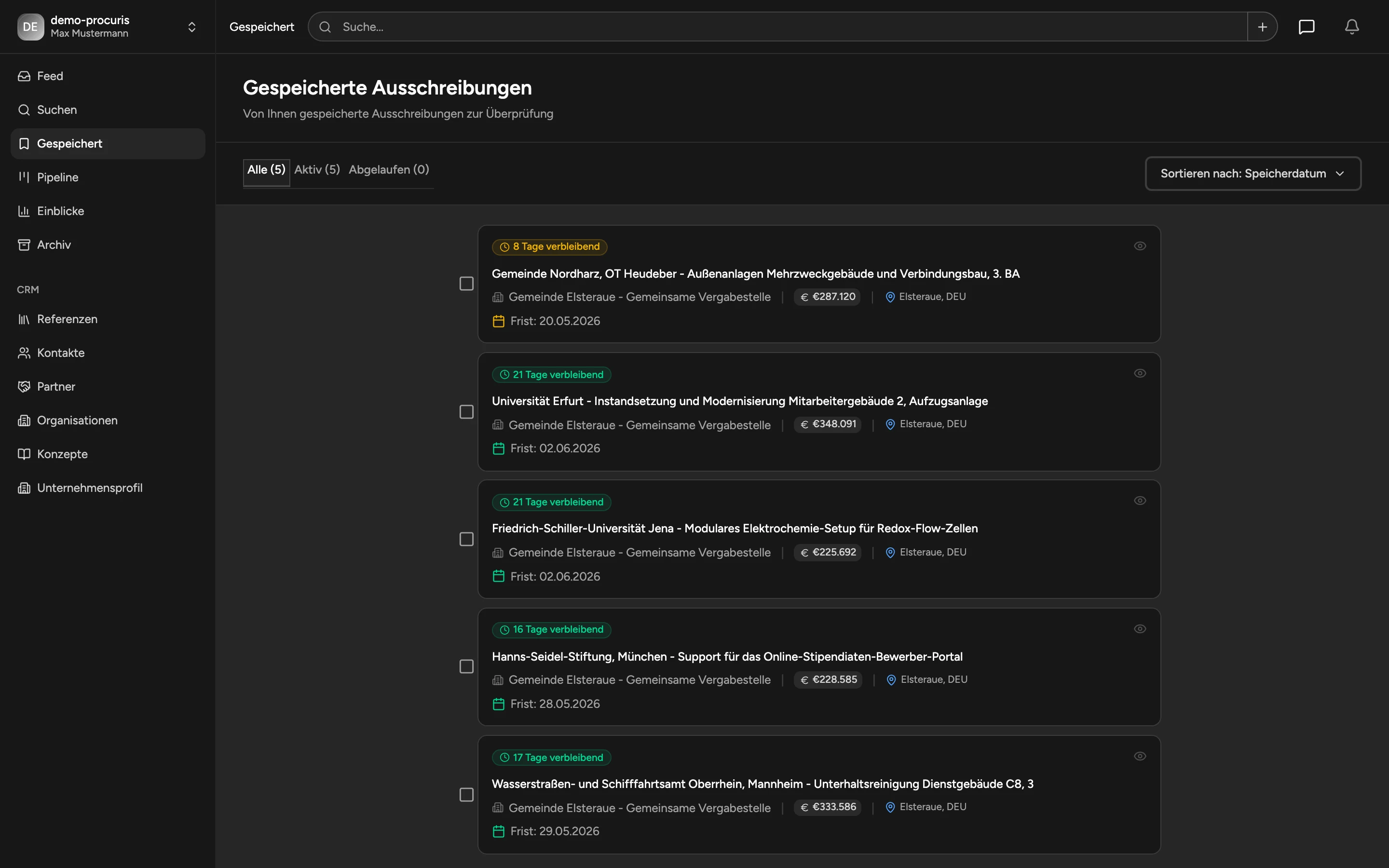
Saved Tenders
Keep a shortlist of interesting tenders before moving them into active bid work.
Saved Tenders
Saved Tenders is your shortlist for opportunities you want to review further.
Tabs and Sorting
Tabs:
- All
- Active
- Expired
Sort options:
- saved date
- deadline
- value
Selection and Bulk Actions
Select one or multiple tenders to:
- add to Pipeline
- remove from Saved
- select all or deselect all
Move to Pipeline
When you add a saved tender to Pipeline, you can set:
- initial stage
- assignees
- initial note
Important Behavior
Saved Tenders are stored in your current browser.
If you switch browser or clear local storage, this shortlist does not automatically carry over.
Recommended Workflow
- Save freely while scanning Feed.
- Review Saved daily.
- Move active opportunities to Pipeline.
- Remove outdated items.
Screenshots