Getting started
Create an account, confirm your email address, sign in, accept an invitation and replace a forgotten password.
To use procuris, you need an account with your business email address or your company account on Google Workspace. This page walks you through sign-up, confirmation and sign-in. If a colleague has sent you an invitation, start with the section Accept an invitation.
Create an account
You need your full name, your business email address and a password with at least 8 characters.
Open app.procuris.eu and choose Sign up below the sign-in form.
Choose Create Account. procuris shows the page Verify your email with the address the confirmation link went to.
Open the email with the subject "Verify your Procuris email" and choose Verify email.
After that, you are signed in, and procuris opens the setup of your organization.
procuris creates accounts with business addresses only. procuris rejects private addresses such as gmail.com or gmx.de and shows below Email "Please sign up with your business email address. Private addresses such as gmail.com or gmx.de are not accepted." procuris rejects throwaway addresses as well.
Continue with Google replaces the form if your company uses Google Workspace. procuris takes your name and address from your company account. You then need neither a password nor a confirmation email. With a private Google account, procuris does not create a new account. In that case, sign up with your business address using the form. If you already have an account, you sign in with Continue with Google as before.
Confirm your email address
The confirmation shows that the address belongs to you. Only with a confirmed address can you sign in with a password, create an organization or accept an invitation. With Google, this step does not apply.
If no email arrives, work through these steps in order:
- Check the address shown on the page Verify your email. If it is misspelled, choose Go to login, then Sign up, and create the account again with the correct address.
- Look in your spam folder and search for the subject "Verify your Procuris email".
- Write to support@procuris.eu from the registered address. Support sends you a new confirmation link.
A second sign-up with the same address does not send a new email. It only confirms that the email was sent.
Sign in
Open app.procuris.eu. The page is called Login to your account.
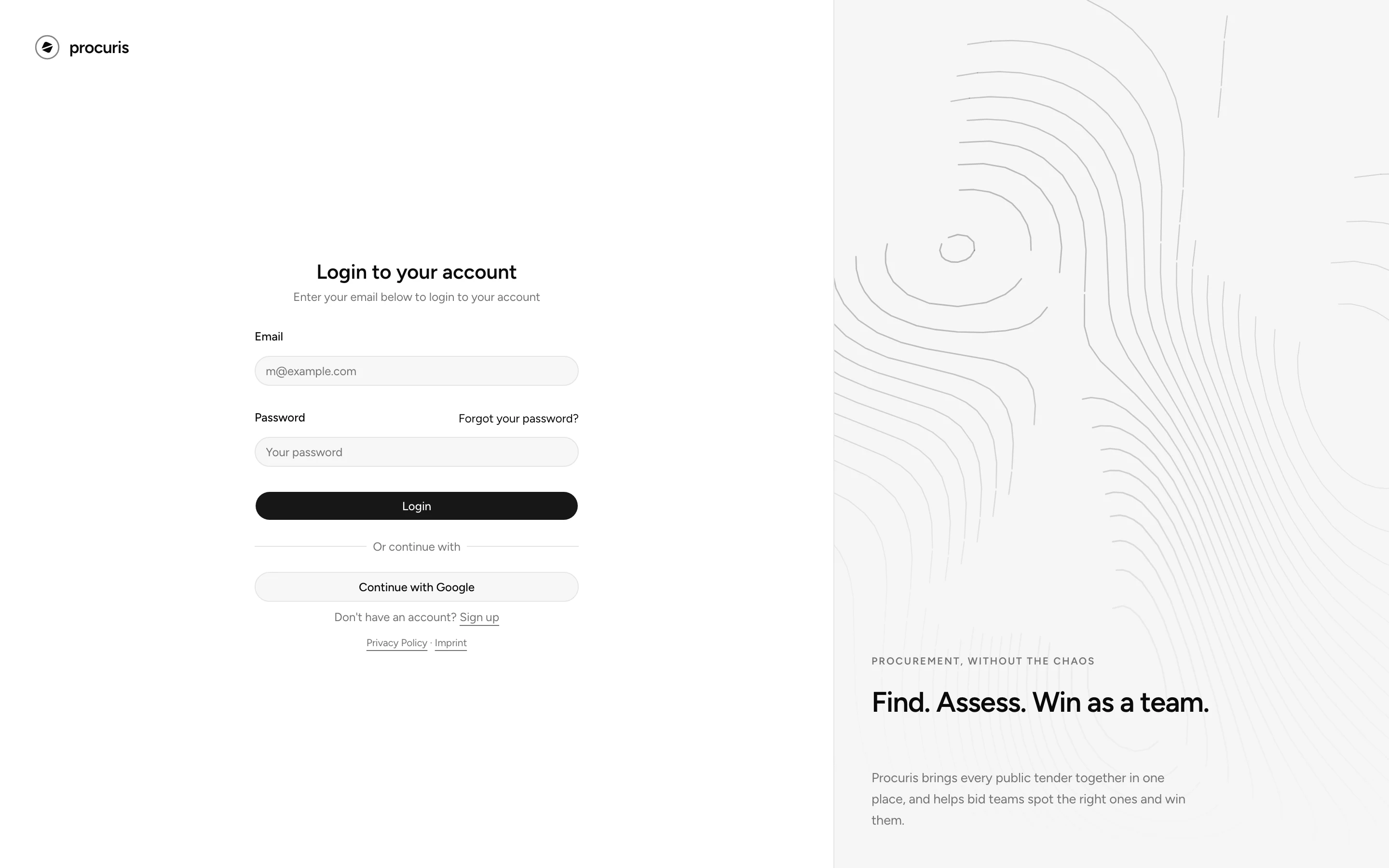
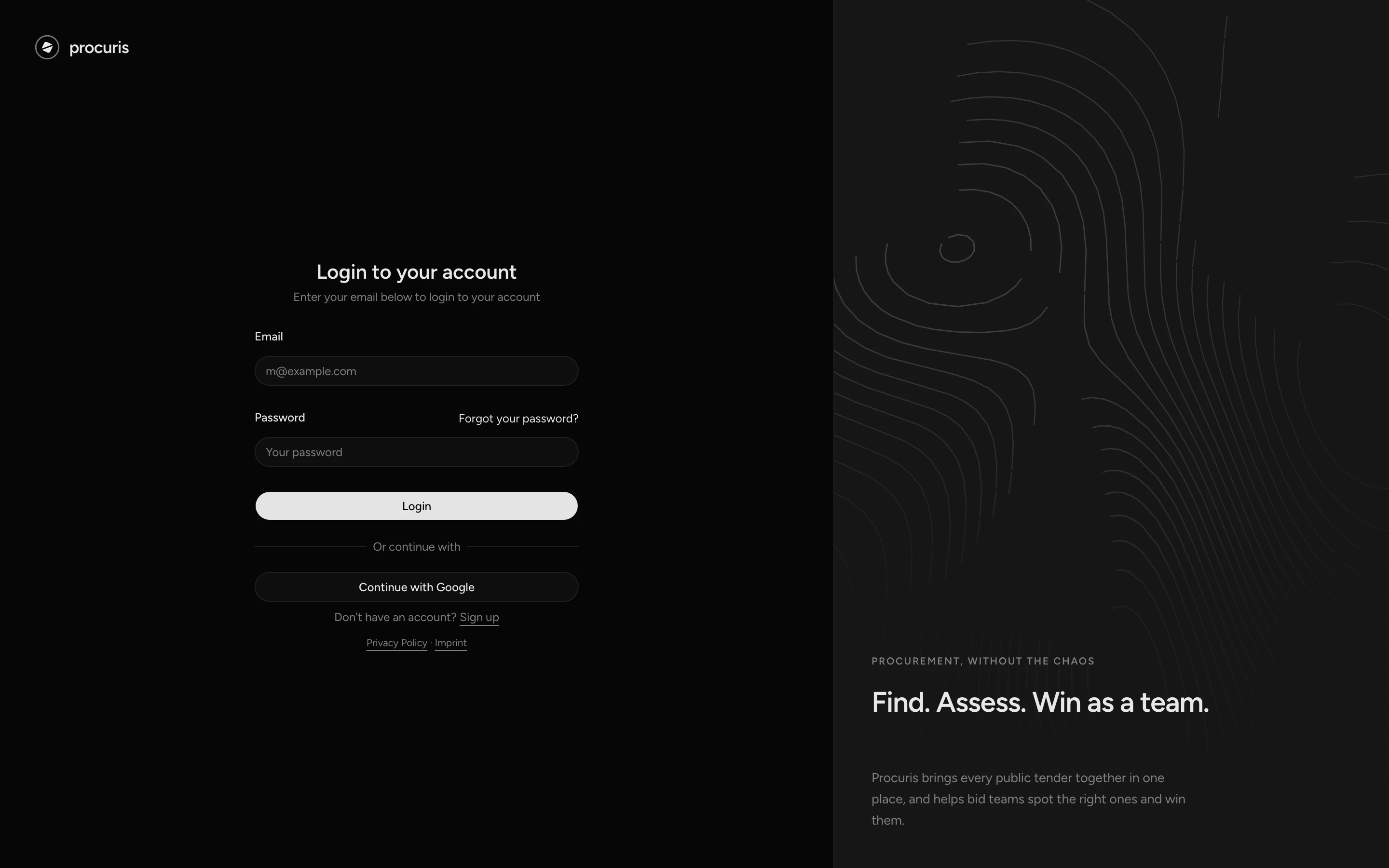
Fill in Email and Password and choose Login. If you created the account with Google, choose Continue with Google instead.
If you already belong to an organization, procuris opens the Feed. Otherwise procuris opens the setup.
If you have an account with a password under the same address, Continue with Google links both ways of signing in once the address is confirmed. If it is not confirmed yet, procuris reports "An account with this email already exists." when you choose Continue with Google. In that case, first confirm the address with the link from the confirmation email (Confirm your email address). After that, both password and Google work.
Accept an invitation
An invitation to an organization arrives as an email with the subject "You were invited to …", in German "Einladung zu …". The name of the organization stands in place of the dots. It is valid for 48 hours from sending and only for the address it went to.
If you are not signed in, procuris shows the sign-in page. Sign in with the invited address.
procuris accepts the invitation, reports "Invitation accepted." and opens Settings in the Account area of the new organization.
If you do not have an account yet, choose Sign up on the sign-in page and create the account with exactly the invited address. After the confirmation, open the link from the invitation again. Otherwise the sign-up leads into the setup of an organization of your own. If the invitation went to a private address such as gmail.com, no new account can be created with it. Ask the person who invited you for an invitation to your business address.
If the invitation cannot be accepted, procuris states the reason:
| Message | What you do |
|---|---|
| "This invitation is invalid, expired, or already used." | The invitation is older than 48 hours, replaced by a newer one or already accepted. Ask the person who invited you for a new invitation. |
| "This invitation was sent to a different email." | You are signed in with a different address. Sign out (see below) and open the link from the email again. Then sign in with the invited address. |
| "Verify your email first, then accept the invitation again." | Confirm the address as described above and then open the link from the email again. |
| "This organization has no free seat." | The owners of the organization have to free up a seat or change the plan. |
| "This invitation cannot be accepted right now." | Write to support@procuris.eu and name the organization that invited you. |
| "Failed to accept invitation." | Open the link from the email again. If the message stays, write to support@procuris.eu and name the organization that invited you. |
If procuris shows a message that is not listed here, also write to support@procuris.eu and name the text shown.
The page with the message has no sidebar. To sign out, open app.procuris.eu. If you already belong to an organization, choose the organization card at the bottom of the sidebar and then Sign Out. If you are still in the setup, Sign Out sits at the top of the left column. Instead of choosing Erneut versuchen on the page with the message, open the link from the email after each correction, because only the link loads the invitation again.
If the link is incomplete, for example after copying it from the email, procuris briefly shows "Invitation link is invalid." and opens the sign-in page. In that case, open the invitation with the Join organization button in the email.
Pilot invitation
An email with the subject "Your Procuris pilot access" invites you to procuris, not to an organization. Activate pilot access opens the sign-up with your address, which you cannot change there. The link is valid for seven days and can be redeemed once. If the pilot invitation went to a private address, procuris shows "This invitation went to a private email address. Please ask for a new invitation to your business address." and Create Account stays locked. In that case, write to support@procuris.eu from your business address.
If you already have an account under this address, choose Sign in with this account. If procuris shows "This invitation link is no longer valid.", choose Request a new invitation. The button opens an email to support@procuris.eu.
Reset your password
You set a new password through a link sent by email. The link is valid for one hour.
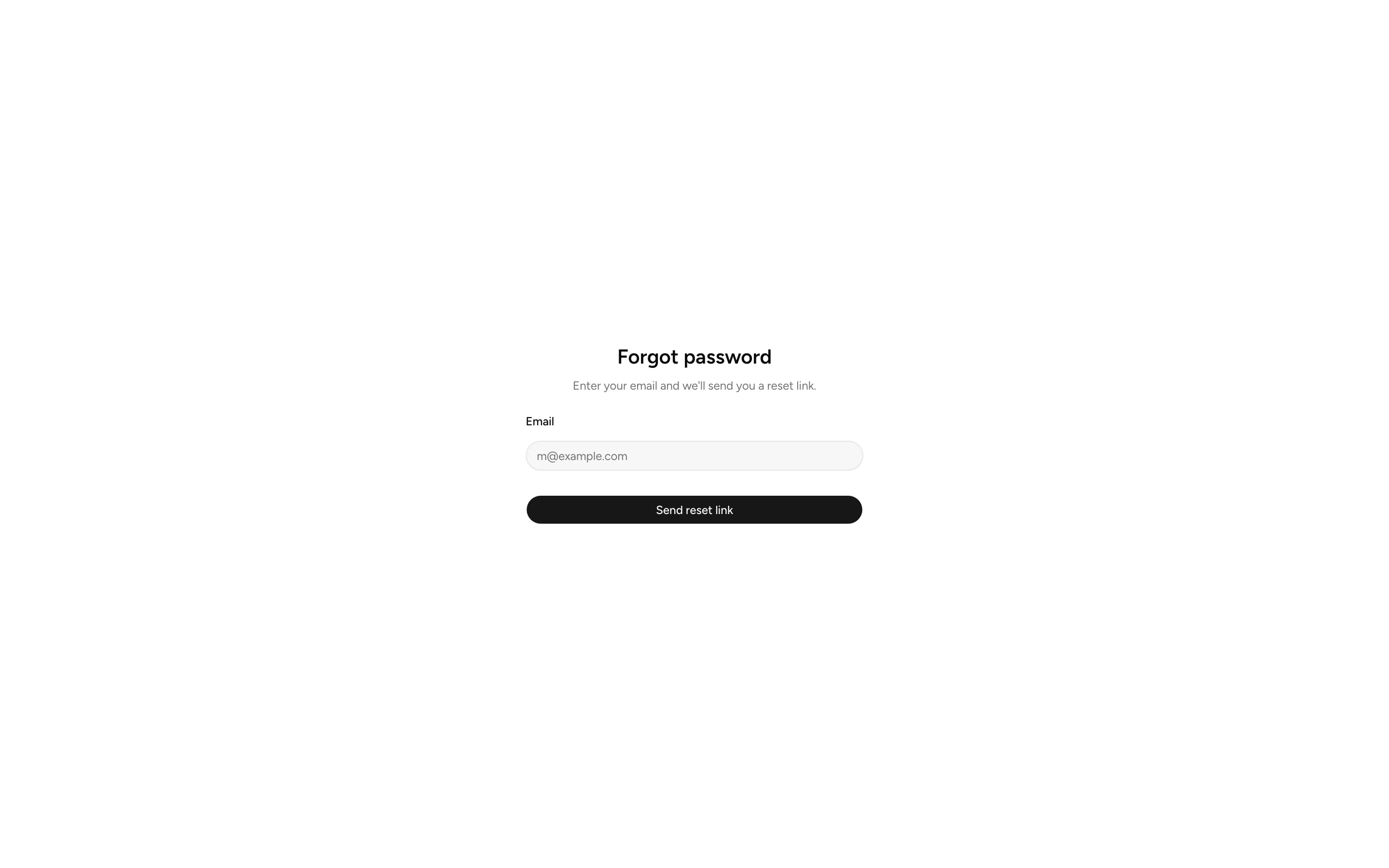
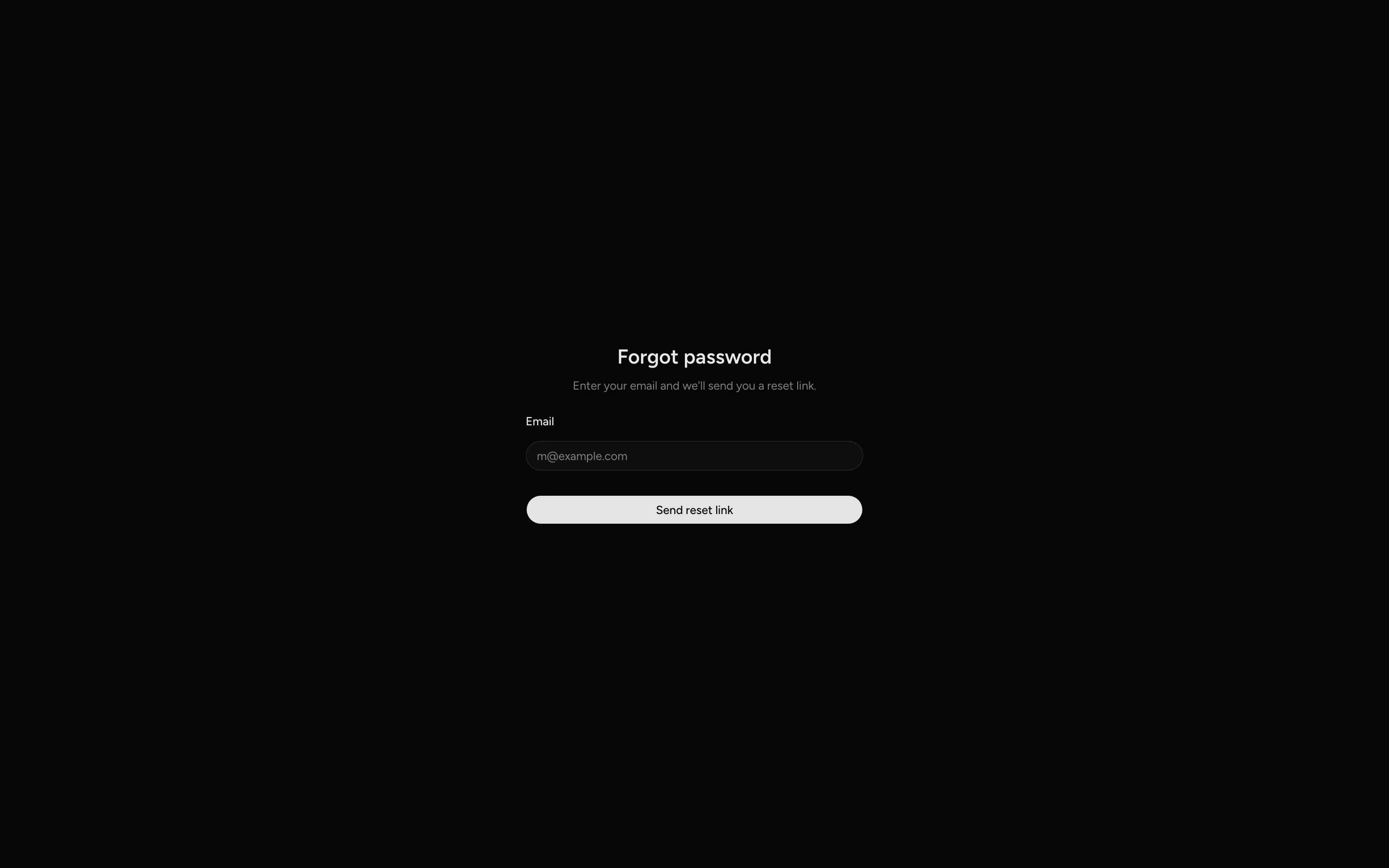
Enter your email address and choose Send reset link.
Open the email with the subject "Reset your Procuris password" and choose Reset password.
Fill in New password with at least 8 characters and Confirm new password. Choose Reset password.
After that, procuris reports "Password reset. You can now sign in." and shows the sign-in page.
procuris confirms that the email was sent even for addresses without an account, so that nobody can test other people's addresses. If no email arrives, check your spam folder and the spelling. If the link is older than one hour, request a new one with step 1. If you created the account with Google, sign in with Continue with Google instead of a password.
After your first sign-in
Without an organization, procuris guides you through the setup. There you create your organization and check what procuris suggests from your website (Set up procuris). If you finish with Finish setup, the product tour starts afterwards. If you choose Skip setup on the Notification preferences screen, it does not start. If your company already works with procuris, join its organization instead of creating a second one (Organization and access).
If your organization used procuris before the new version, sign in with your existing account. The person with the Owner role then sees Welcome to the new version of Procuris on every visit until they choose Set up the new Procuris there. After that, they complete the profile, and your saved searches stay (Re-entry).