Feed
Narrow down open tenders, check them in the preview and put them into the pipeline.
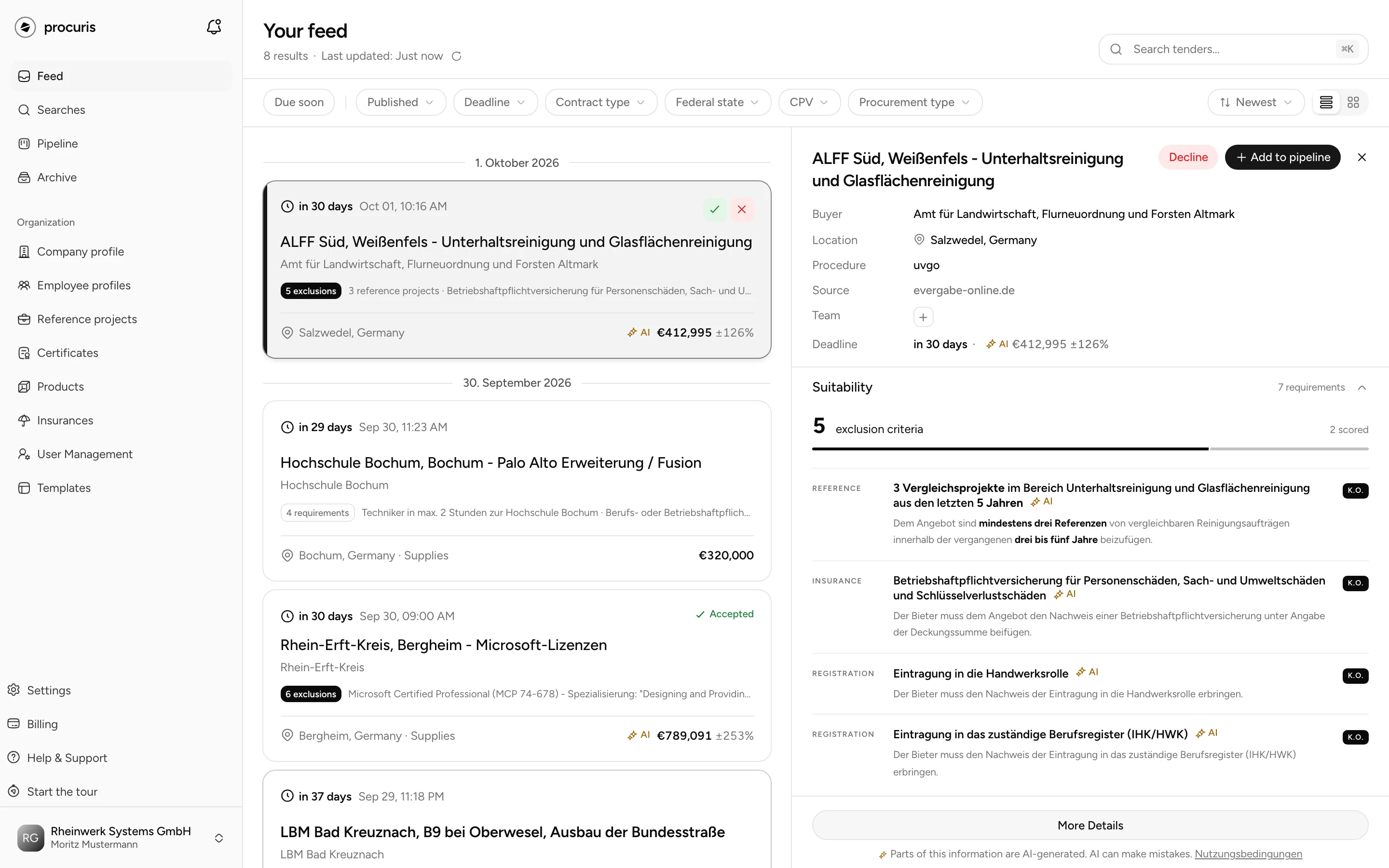
The Feed lists open tenders, newest first. You open it in the navigation under Feed. On the left, the tenders stand one below the other. With the order Newest and no search term, a date line separates the days of publication. On the right, the selected tender opens in the preview. Above the list stand the number of results and the time of the last update. The arrow next to it reloads the list.
Feed or saved search
The feed is for browsing, the saved search is for watching.
| Feed | Saved search | |
|---|---|---|
| What it shows | open tenders, narrowed down by the filters you set right now | the hits for saved search terms, sectors and regions |
| When it searches | when you open the page or narrow it down | every morning, a selection of the new hits at or above your threshold arrives by mail |
| Fit | none | on the hits, from Pro, with an activity description |
For tenders you look for regularly, create a saved search, because only a saved search alerts you to new ones by mail. With an activity description, from Pro it also shows the Fit. Use the feed for a one-off question, for example all works contracts in Bavaria with a deadline this week. The feed does not show tenders whose deadline has passed, they are in the Archive.
Narrow down the feed
Type a term into the Search tenders… field and press Enter. With ⌘K (Mac) or Ctrl K you jump into the field. With a search term, the feed orders by Relevance and highlights the term in the description. For some technical terms, the search also finds tenders with a related term.
Choose the filters in the bar above. A filter can hold several values.
| Filter | narrows down by |
|---|---|
| Due soon | deadline in the next 7 days, with one click |
| Published | day of publication: Last 7 days, Last 30 days, This month or Custom in the calendar |
| Deadline | date of the deadline, with the same periods |
| Contract type | Supplies, Services, Works |
| Federal state | one or more federal states |
| CPV | sector codes from the CPV, the European vocabulary of contract subjects |
| Procurement type | EU-wide, Below threshold, Utilities, Concessions, Defence |
For deadlines in the coming days, use Due soon or the sort order Deadline instead of the Deadline filter, because the periods of that filter end today.
Choose the order on the right of the same bar: Newest, Deadline, Value (High-Low), Value (Low-High) and, with a search term, Relevance. Next to it you switch between the views Comfortable and Compact. Compact shows one line per tender, without description and requirements.
You remove a filter with the X on the filter. Clear filters in the bar removes all filters except Due soon, which you release with a second click. If the list stays empty, it reads No matches for this selection. Clear filters below it removes all filters, Due soon and the search term, and brings the tenders back.
Search term, filters, order and view are part of the page address. A bookmark or a link sent to a colleague opens exactly this list.
The feed has no filter of its own for unread tenders. You recognize unread tenders by their bold title. A tender counts as read as soon as you click it, and only for you, not for your team. Tenders you reach with the keyboard, and the first one already open when the page loads, stay unread.
Check a tender
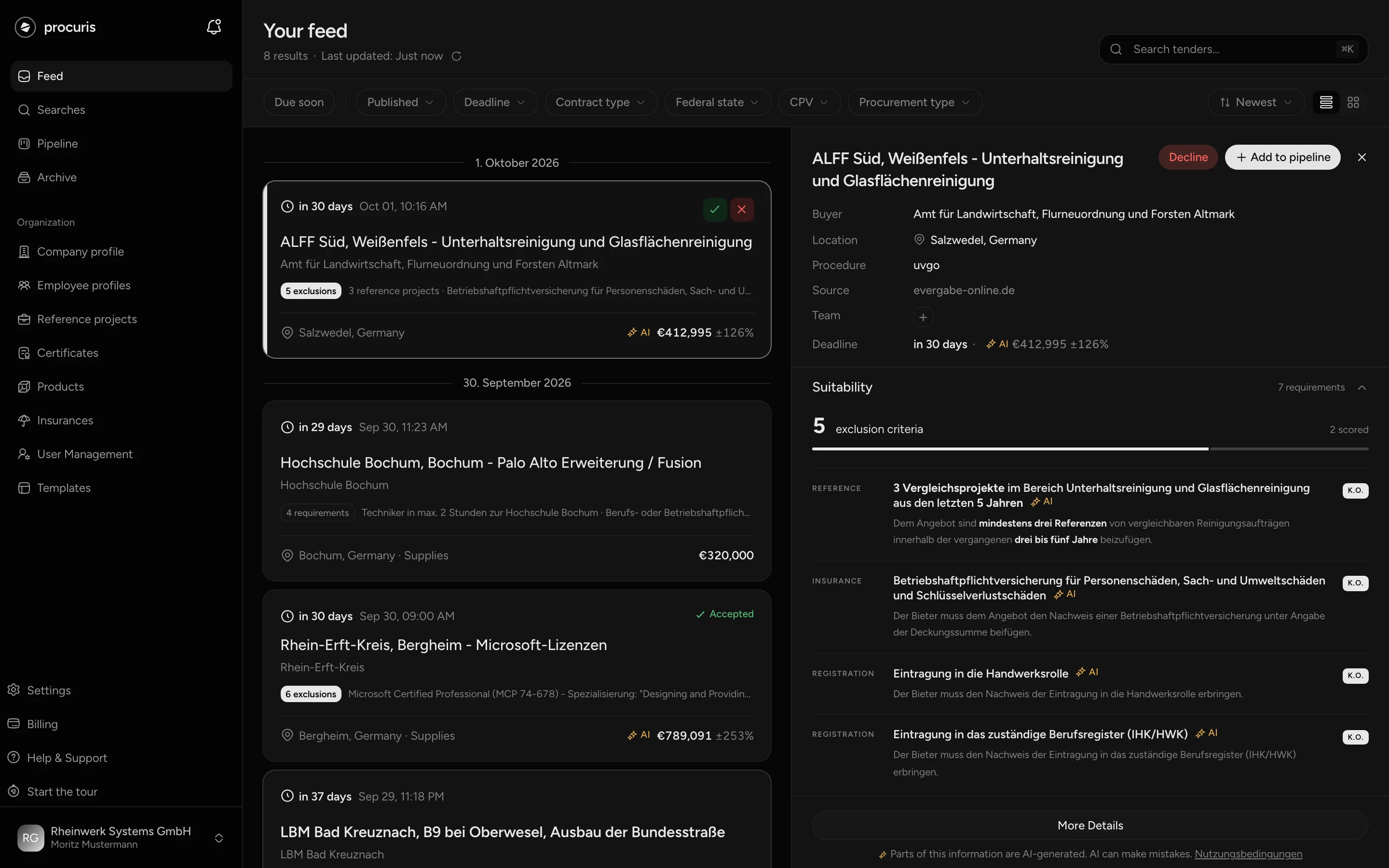
A click on a tender opens it in the preview, and the list stays next to it. On large screens, the first tender is already open. On small screens, the preview covers the list.
The row in the list already shows the essentials: deadline, title, buyer, a short description, location, contract type, lots and value. If the requirements of the tender are captured, a line gives their number, for example 3 exclusions. Exclusions are conditions on which a bidder fails if they do not meet them. This line describes the tender, not your suitability.
The preview shows buyer, location, procedure, source, team and deadline at the top. Below follow sections you can expand: Suitability, Description, Deadlines & Dates, Award, Lots, Buyer, Classification and Notice Amendments. The preview in the feed does not offer the tender documents themselves. You find the way to the notice on the procurement portal under Source. More Details opens the full details on a page of their own, described under Tender in detail. You change the width of the preview by dragging its left edge.
With the keyboard you check a list without a mouse:
| Key | Effect |
|---|---|
| J or arrow down | next tender |
| K or arrow up | previous tender |
| A | Accept |
| D | Decline |
| Esc | close the preview |
Suitability in the preview
From Pro
On the Free plan, two requirements are readable. The others fade below the Match against your profile block with the Pro badge and the See Pro button.
The Suitability section lists the requirements from the tender documents. It appears only if requirements are captured for the tender. From Pro, Check against your profile stands below it. If the tender is already in one of your saved searches, a link with the name of the saved search leads there. There you see the fit, or the suitability in a saved search without an activity description. Otherwise it reads The match runs through your saved searches with the way to Create saved search. The feed itself shows no fit on any plan. The fit is a number from 0 to 100 and shows how well a tender suits your company. More on this under Fit and threshold.
Decide and put into the pipeline
The Pipeline shows your tenders in progress as a board with columns and cards. In the feed you have three ways to decide on a tender.
| Action | Where | What happens |
|---|---|---|
| Add to pipeline | at the top of the preview | A window asks for Stage, Assign to and Note (Optional). The tender then sits in the pipeline as a card. |
| Accept | green check mark on the row, visible when you hover | records the commitment, but does not create a card |
| Decline | red X on the row or at the top of the preview | asks for the reason and records the rejection |
Of the three actions, only Add to pipeline creates a card, because Accept only notes your decision. Accept therefore suits marking what you want to pursue while you go through the list. Besides the three actions, the Team line in the preview also creates a card. The plus there assigns a person and puts the tender into the pipeline at the same time.
After each of the three actions, the tender stays in the feed and shows its state. Accepted appears on the row after Accept, and also when the tender sits in the pipeline as a card. Whether a card exists, the preview shows: with a card, Open pipeline stands at the top, without a card still Add to pipeline. You take a card out only in the Pipeline, because the Workbook behind it, the workspace for this tender, disappears with it.
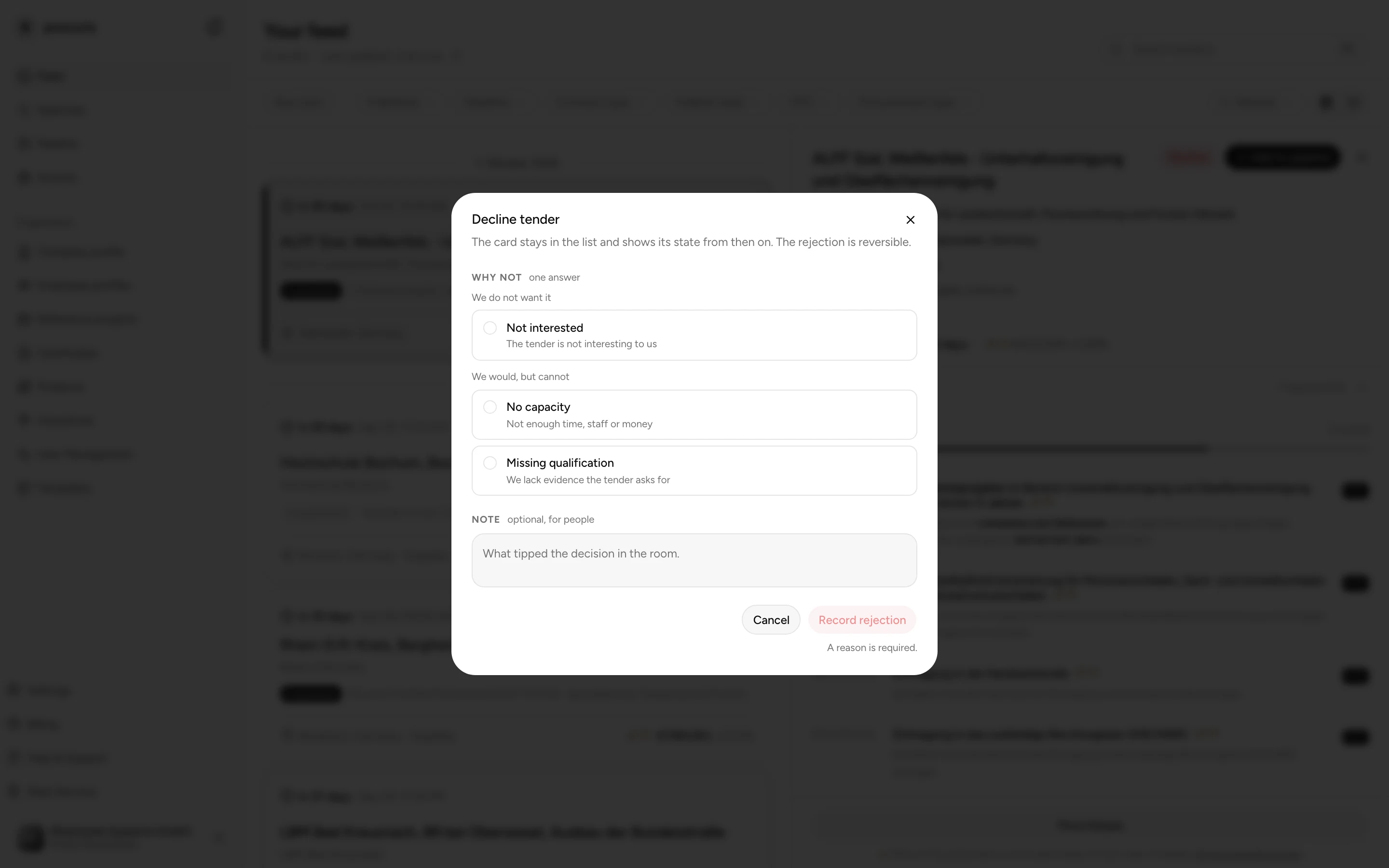
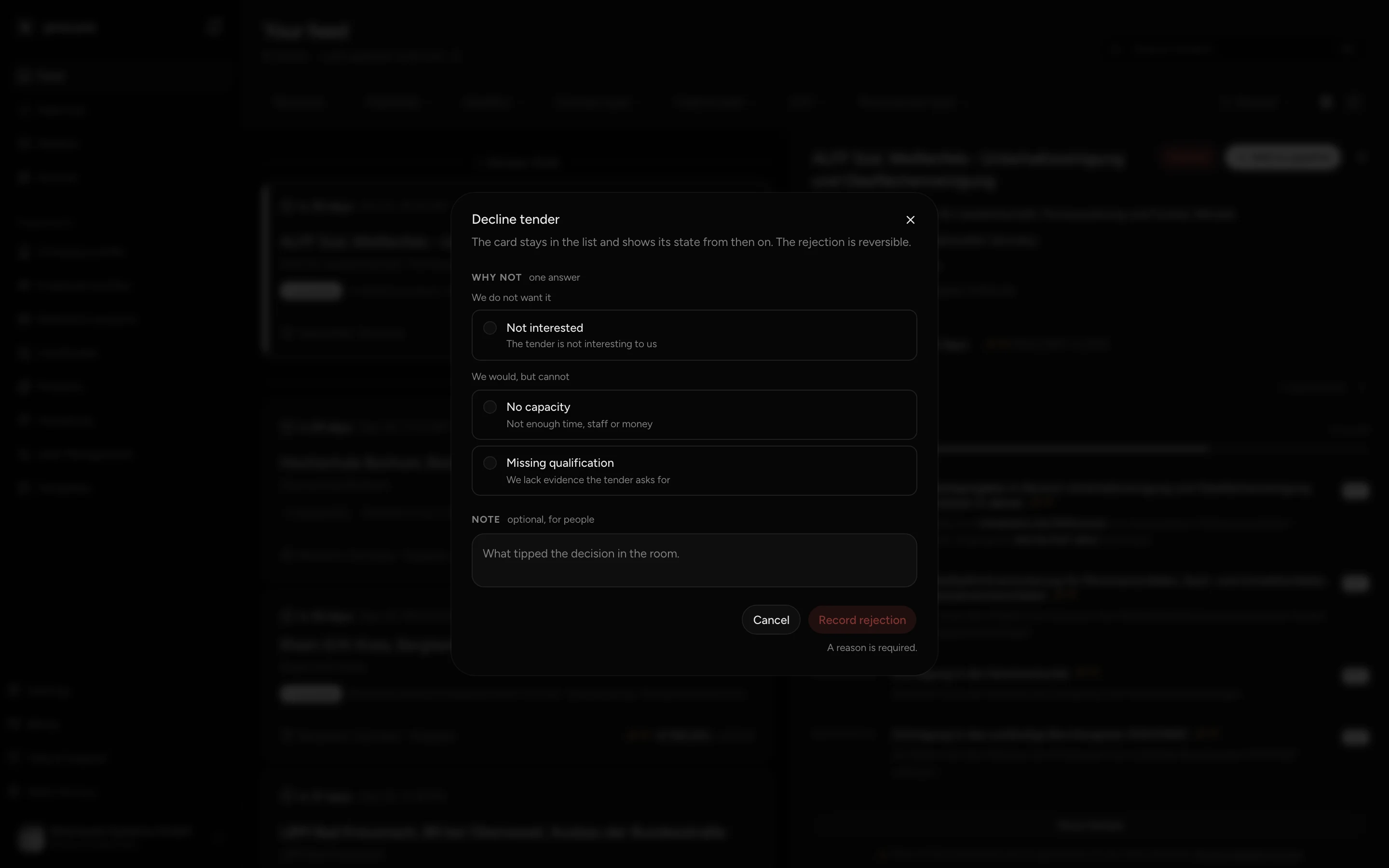
When you decline, the Decline tender window asks for exactly one reason: Not interested, No capacity or Missing qualification. With Missing qualification you choose at least one missing qualification. Record rejection completes it. The row is struck through and shows Declined.
Accept and Decline apply to your whole organization. Undo appears on the row when you hover over it or have opened the tender, and only after Accept or Decline. After that the tender is open again, unless it sits in the pipeline as a card. If Accepted stands on the row without Undo, the state came from the card alone.
Turn the feed into a saved search
A saved search does not take over filters from the feed. You enter them again in the Create search form. The search term carries over in one case only: if the feed shows no results, Create New Search opens the form with the term from the search field.
Enter your search term under Search terms, your Federal state filter under Regions and your CPV filter under Sectors (CPV). For Published, Deadline, Contract type and Procurement type, the form has no fields. You set these filters after saving, in the hit list of the saved search. There they narrow the list, not the mail.
After that, the saved search runs every morning and sends you its hits by mail. Saved searches explains the fields of the form.
What is different on the Free plan
On the Free plan three things are limited:
- Suitability: two requirements readable, the rest locked (see above).
- Pipeline: room for up to 10 tenders. With the eleventh, procuris shows Limit reached. Accept does not count, because it creates no card.
- Saved searches: one.
During the Pro trial, the suitability shows Pro, trial until and the end date. What each plan includes is under Plans.