Settings
Which areas the settings have, who sees them and what each setting does.
Under Settings you change your account, your language, your notifications and the details of your organization. You open them at the bottom of the sidebar with Settings, right above Billing. The page opens on the Account area. Account settings in the menu that opens when you click the card of your organization at the very bottom leads to the same area.
Areas
The settings have four areas. You switch between them on the left.
| Area | What you set there | Who sees it |
|---|---|---|
| Account | Profile photo, name, password, delete account. Your email address is shown there for reference. | every person, for their own account |
| Preferences | Language of the interface, light or dark theme | every person, for themselves |
| Notifications | which messages you receive by email and in the app, per group | every person, for their own account |
| Organization | Name and logo of the organization, links to user management, billing and company profile, requesting services listed On request | every person in the organization. The Owner and Administrator roles change name and logo. Delete organization and, once set up, API access, Webhooks and Single sign-on are only visible to the Owner role |
Several topics do not live under Settings but in their own place:
| Topic | Where you find it | Page |
|---|---|---|
| Invite colleagues, roles | sidebar, group Organization, User Management | User management |
| Plan, payment, invoices | bottom of the sidebar, Billing | Billing |
| Details about your company | sidebar, group Organization, Company profile | Company profile |
| Pipeline columns | on the pipeline, the gear Settings | Pipeline |
| What a saved search looks for | sidebar, Searches, in the saved search itself | Saved searches |
Account
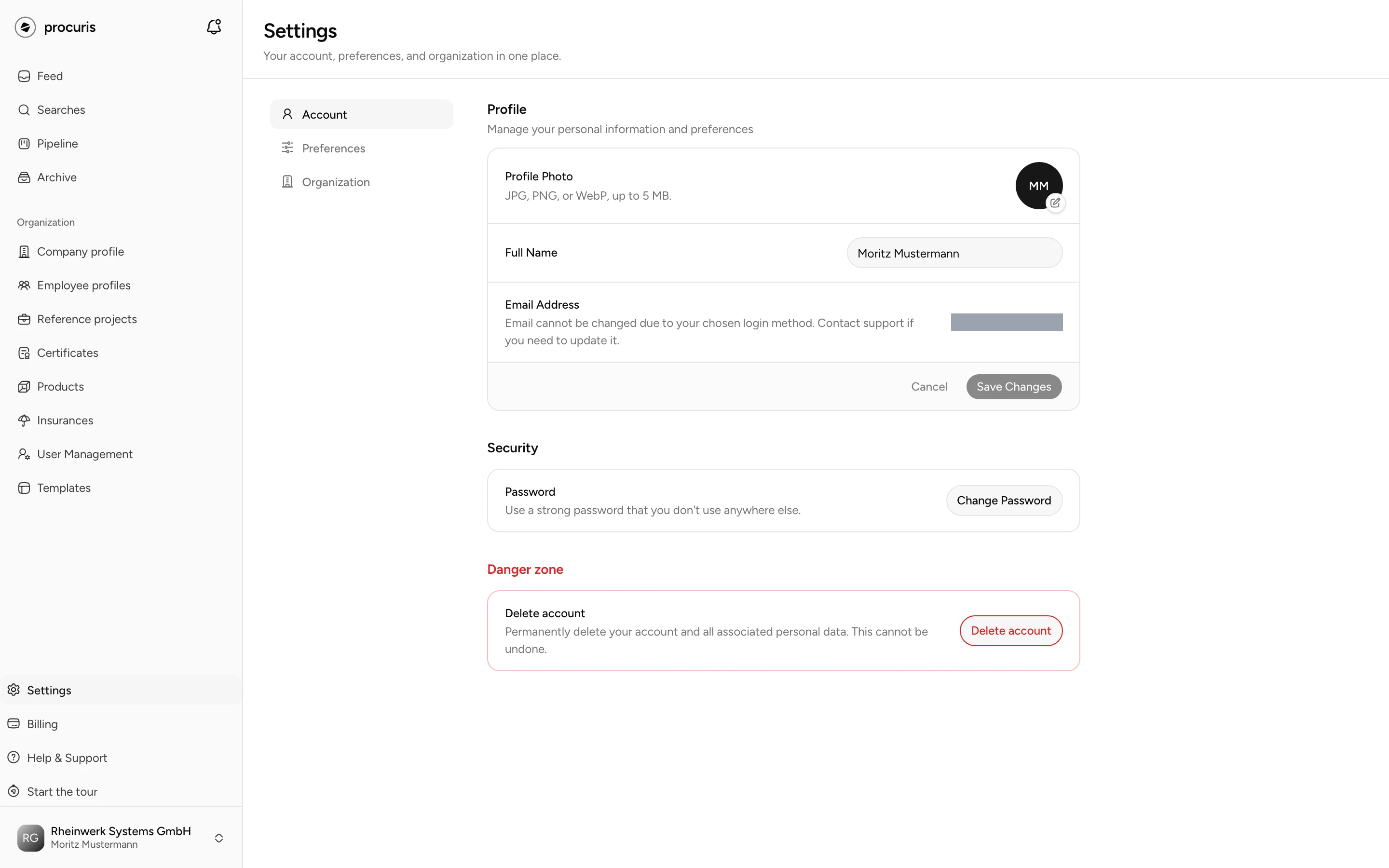
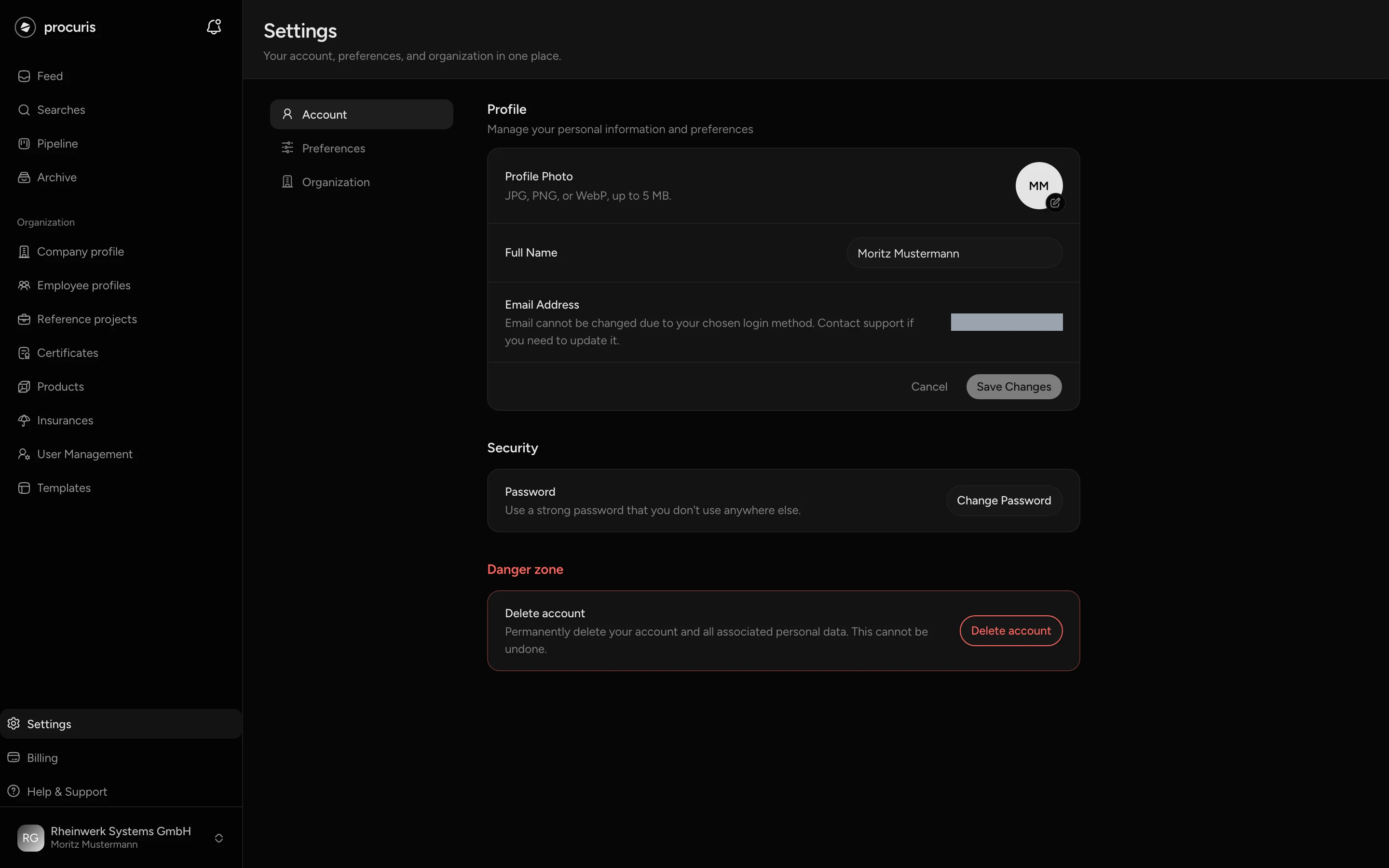
The Account area belongs to you as a person, not to the organization. Your colleagues in procuris also see your name and photo.
Name and profile photo
You change your name in the Full Name field. It applies only after Save Changes. Cancel restores the saved name.
You upload a profile photo with Upload Photo, as JPEG, PNG, WebP or GIF up to 5 MB. procuris saves the photo right after you pick it, without a separate button. Remove deletes it again. Without a photo, procuris shows your initials.
Email address
You see your Email Address under Profile, but you cannot change it there. For a new address, write to support@procuris.eu.
Password
You change your password under Security with Change Password. In the dialog you enter your Current Password, then the new one twice. The new password needs at least 8 characters, one uppercase letter, one lowercase letter, one number and one special character. Below the field, procuris ticks off each requirement that is met.
After the change you stay signed in on this device. procuris signs you out on your other devices. Sign in there again with the new password.
If you only sign in with Google or Microsoft, your account has no password of its own. procuris then shows "Password cannot be changed for social login accounts (Google/Microsoft)". If you no longer know your password, choose Forgot your password? on the sign-in page.
Delete account
Deleting your account cannot be undone. It removes your account and your personal data.
Read the lists in the dialog. The list with the red border names organizations in which you are the only member. They are deleted with all their data. The grey list names organizations that still have an owner after you leave. They stay, and you leave them.
procuris then signs you out and sends a confirmation to your former email address.
Three cases block the deletion. procuris then names the organization concerned in the dialog and locks the fields:
- You are the only owner, but not the only member. Make a colleague an Owner first (Change a role). An administrator does not count for this. The organization then stays, and only your membership ends.
- An organization in which you are alone has a paid plan. Cancel it first (Billing). You can delete once the plan has ended.
- procuris cannot check the plan of such an organization right now. This is temporary. Open the dialog again later.
Preferences
Preferences apply only to you. They do not change the interface of your colleagues.
Language
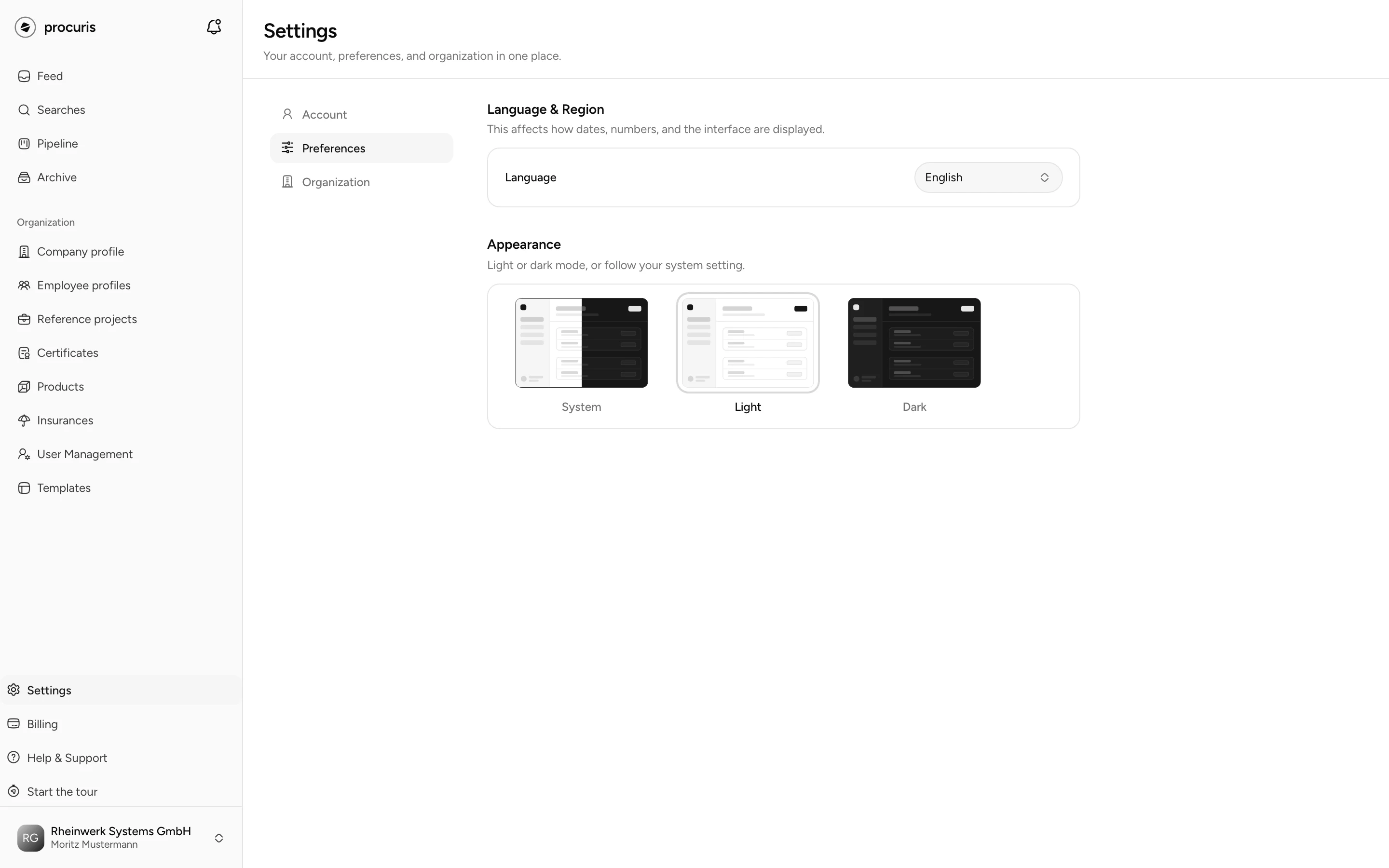
Under Language & Region you choose between Deutsch and English at Language. The interface switches right after you pick, without saving. procuris stores the choice on your account and writes your mails in that language.
For the interface, the choice applies in the browser where you made it. If a second device shows the wrong language, pick it there once more under Language.
Theme
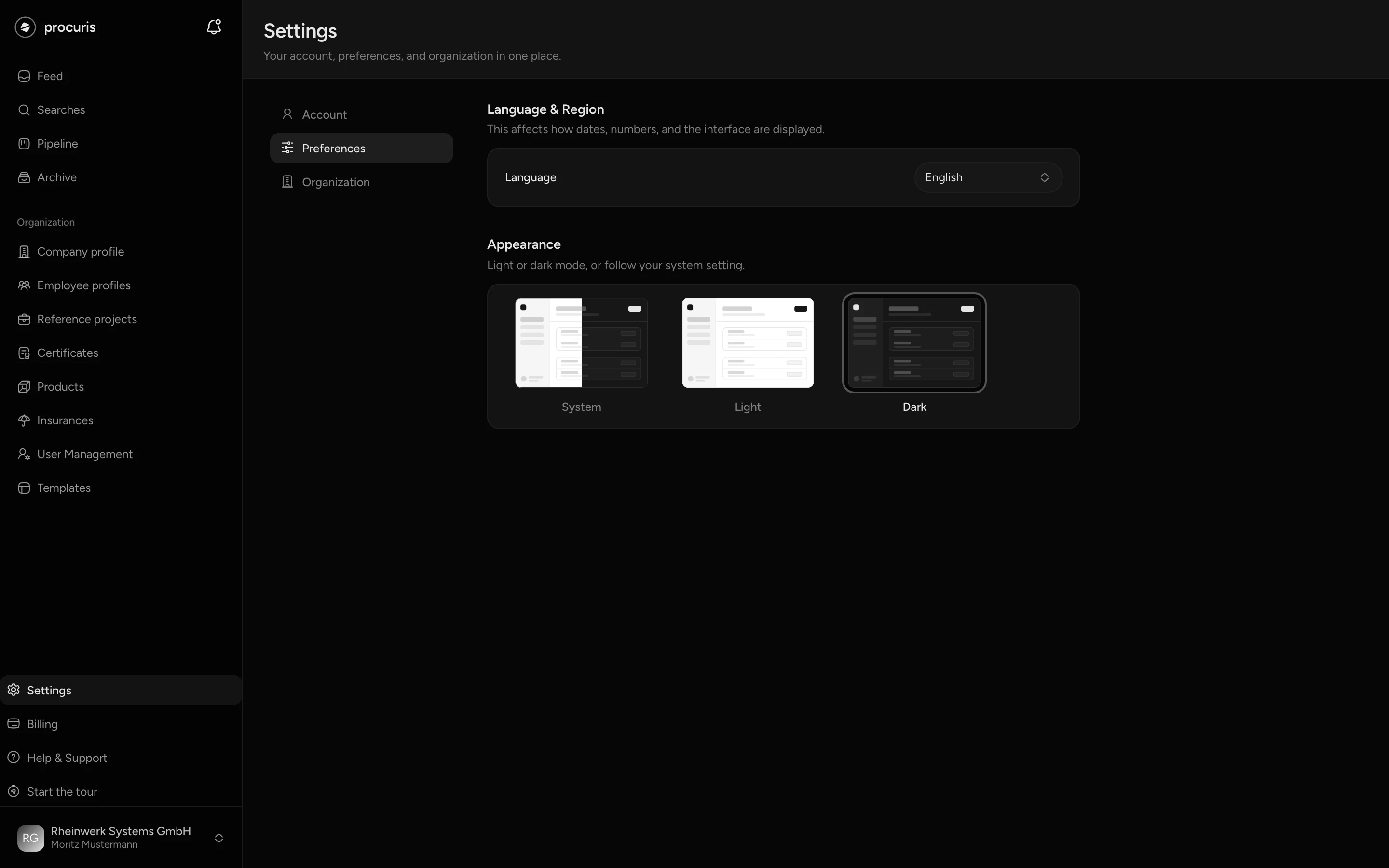
Under Appearance you choose System, Light or Dark. System follows the setting of your operating system. The choice applies to this browser.
Notifications
In the Notifications area you choose which messages you receive by email and in the app. The choice applies to your own account only. Your colleagues keep receiving their messages the way they set them up.
The messages are sorted into five groups there. Each group has two switches: Email for mails and In the app for the bell Inbox at the top next to the logo. If a group sends nothing through one of the two ways, that switch is missing.
| Group | What belongs to it |
|---|---|
| Trial, getting started and reminders | Notes about your trial, tips for getting started and reminders when you have been away for a while |
| Searches | New tenders from your saved searches and changes to tenders |
| Pipeline and team | Status changes, notes, mentions, tasks and deadlines |
| Procuris AI | Results of Procuris AI in your workbooks |
| Organization | Announcements from Procuris and requests to join your organization |
Messages about billing and your contract cannot be unsubscribed from, so they are in no group. The page says "You always receive messages about billing and your contract." Mails you request yourself, such as confirming your address or resetting your password, are not on the page either.
Unsubscribe from notifications
Turn off Email to unsubscribe from the mails of this group. Also turn off In the app if the notices should no longer appear in the inbox either.
procuris saves each switch right after you flip it, there is no save button. From then on you no longer receive the messages of this group that way. Turn the switch back on, and they come back. If the page shows "Notification settings are not available right now. Please try again later." instead of the groups, open it again later. If procuris shows "The setting was not saved. Please try again.", flip the switch once more.
The quicker way starts in the mail. Mails you can unsubscribe from carry the link Unsubscribe or change notifications at the bottom. It opens this page. If you are signed out, sign in, and you land on the page afterwards.
Mail of your saved searches
The mail of your saved searches belongs to the Searches group. If you turn off Email there, you no longer receive the morning hits by mail. The saved searches keep running, however, and the other members of your organization receive their mail as before. If you pause or delete a saved search instead, its mail ends for the whole organization (Saved searches).
If you turned off Enable email notifications during the setup, Email is off here for every group, including Searches. You only receive mails again once you turn on the switch of a group (Set up procuris).
Inbox
The bell at the top next to the logo opens All notifications. It shows, for example, changes to pipeline cards and shared notes. Unread filters the list, Mark all as read clears the count. Which groups appear there is controlled by the In the app switches.
Organization
The Organization area shows the details of the organization you are working in. If you work in several, switch first via the organization card (Organization and access).
Name and logo
Under Organization you change Organization Name and Logo. You apply the name with Save Changes. procuris saves the logo right after you pick it, Remove deletes it again. It appears in the sidebar on the organization card.
People with the Owner or Administrator role can change name and logo (Roles). The Member role sees the fields too. If a member saves, procuris shows "Failed to update organization".
Administration
Under Administration there are three links to pages that have their own entries in the sidebar. User management leads to people and roles (the sidebar entry is User Management), Billing to plan and payment, Company profile to the details of your company. The Owner and Administrator roles change the plan (Billing).
On request
In the On request section you request a quote for four services. These services belong to no plan, you get them through an individual quote. Every person in the organization can make a request, not only the Owner role.
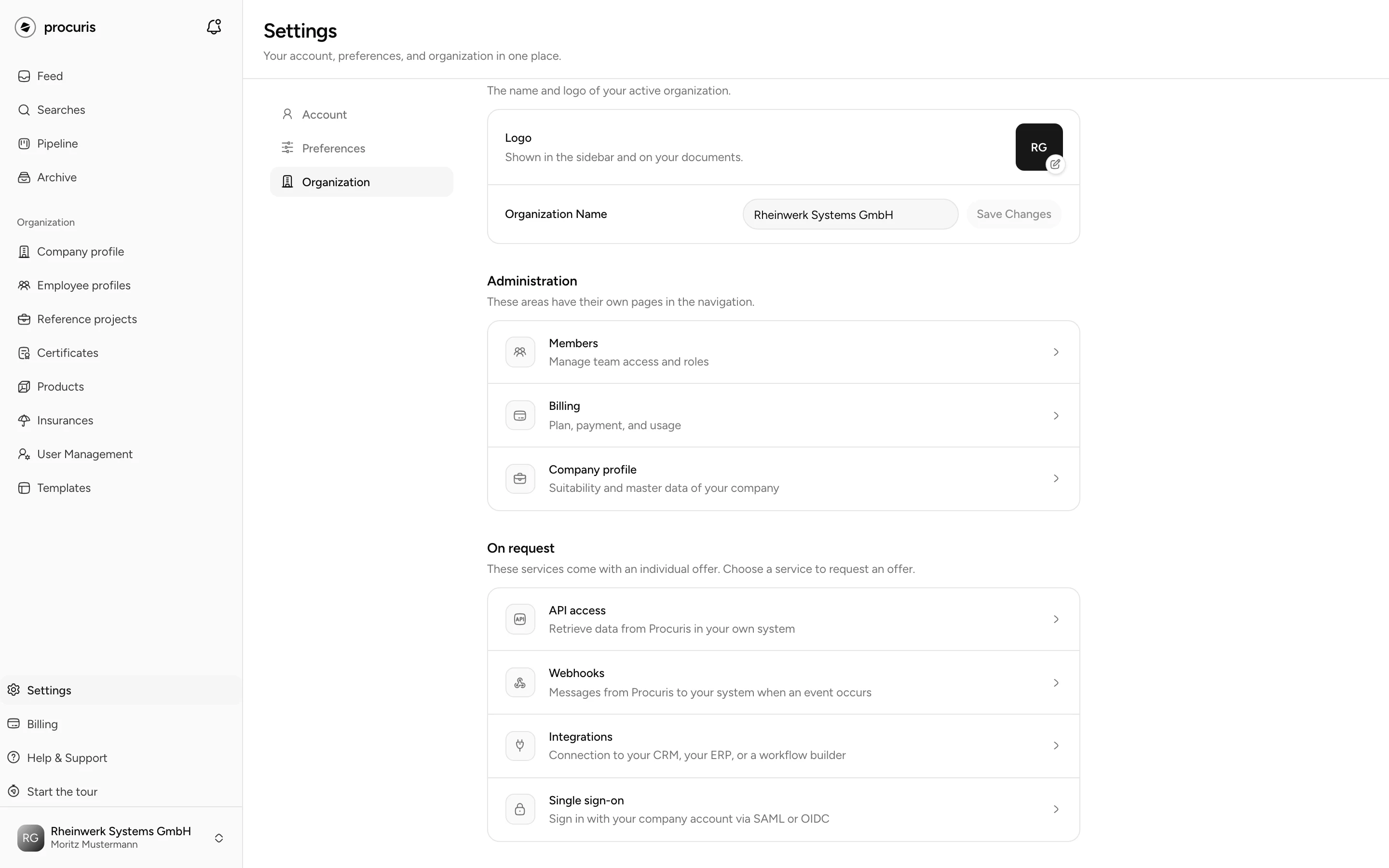
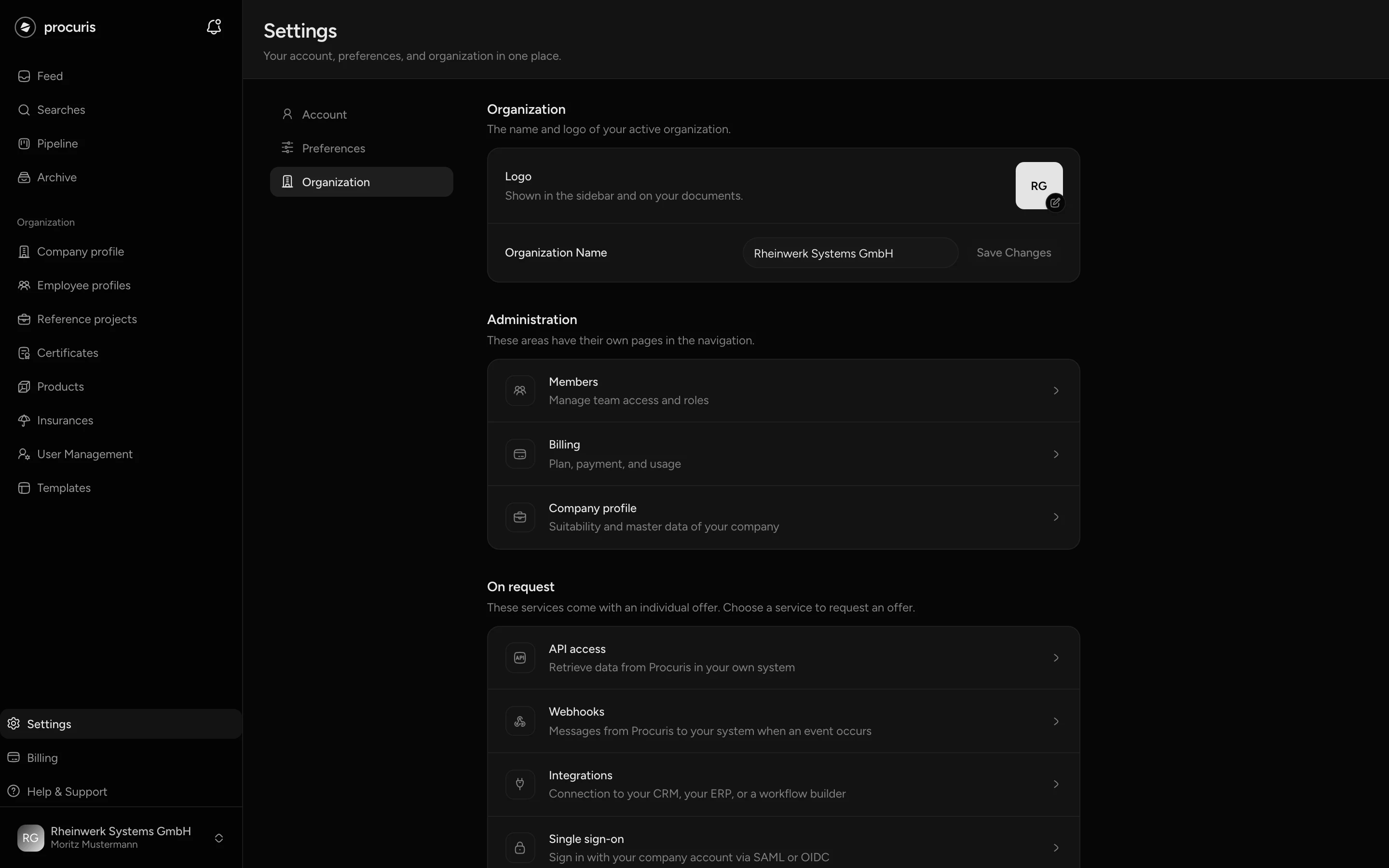
| Row | What for | More |
|---|---|---|
| API access | your own system retrieves data from procuris through an interface (API) | API |
| Webhooks | procuris sends a message to your system when an event occurs | Webhooks |
| Integrations | connection to your CRM (customer management), your ERP (business software) or a workflow builder | Integrations |
| Single sign-on | sign in with your company account via SAML or OIDC, two open standards for sign-in | Single sign-on |
Open Settings › Organization and choose the service in the On request section.
The dialog Ask for an individual quote opens with the sentence "This service comes with an individual quote. Tell us briefly what you need it for." procuris takes your name, your email address and your organization from your account, you do not enter them.
Enter a Phone number. Our team calls you back on this number. The field is required and needs at least 6 digits, otherwise procuris shows "Please check the phone number."
Message already contains a sentence about the chosen service. Add what the team should know in advance, for example which systems you want to connect. You can change or delete the sentence. The message holds at most 2000 characters.
procuris then shows "Request sent" and "Our team will get back to you at" with the email address of your account. The service you chose reaches sales with the request, even if you deleted the prepared sentence. How it continues from the conversation to the setup is described under Integrations.
After the setup
After the contract is signed, procuris sets up the access for your organization. From then on the Owner role manages it under Settings › Organization, in separate areas. These areas appear only after the setup, before that they are not visible. The Administrator and Member roles do not see them afterwards either.
- API access: create, rotate and revoke tokens (the keys your system uses to identify itself to the API) (API).
- Webhooks: create, change and delete target addresses, choose events and filters, renew the secret (the key your system uses to check the messages) and send test messages. There owners resume a paused delivery and resend missed messages from the last 7 days (Webhooks).
- Single sign-on: enter the identity provider, confirm the domain and manage the SCIM token your identity provider uses to block people in procuris who have left (Single sign-on).
Connections to a CRM, an ERP or a workflow builder run through API access and webhooks, they have no area of their own (Integrations). If nobody with the Owner role can be reached for one of these areas, write to support@procuris.eu.
Delete organization
Only the Owner role sees the Delete organization section at the end of the area. You can delete only if you are the only member and the organization has no paid plan. Otherwise the section names the reason: remove the other members first (User management) or cancel the plan (Billing).
If deleting is possible, choose Delete organization, type the name of the organization and confirm with Delete. procuris deletes the organization with all its data, and this cannot be undone. Your account stays. You land in the setup, where you create a new organization or join an existing one (Set up procuris).
Saved searches and pipeline
Search settings and pipeline settings do not live under Settings but where they take effect.
- Saved searches. You set terms, regions and the other fields in each saved search, under Searches when you edit it (Saved searches). The Threshold (from Pro) orders the list of hits and decides which hits go into the mail (Fit and threshold).
- Pipeline. You change the columns on the pipeline with the gear Settings next to Add Tender. The page there is called Pipeline Stages, and Back to board takes you back. The columns apply to the whole organization (Pipeline).
Export or delete data
The settings have no button that exports all your data at once. You get information about the personal data procuris stores about you free of charge via support@procuris.eu.
Deletion happens on two levels. Delete account removes you as a person and organizations in which you are alone. Delete organization removes an organization with all its data, and your account stays. Single entries such as saved searches, cards or certificates you delete where you created them.