How Search Works
Understand how Procuris finds relevant tenders using hybrid search — combining meaning-based matching, keyword precision, and location awareness.
How Search Works
Procuris uses a hybrid search system that combines multiple strategies to deliver precise, relevant results. When you type a query, three things happen in parallel behind the scenes.
The Three Pillars
1. Semantic Understanding
Your query is analyzed for meaning, not just keywords. This allows Procuris to find tenders that are conceptually relevant even when they use different wording.
For example, searching for "IT security consulting" will also surface tenders titled "cybersecurity advisory services" — because the meaning is similar.
2. Keyword Precision
At the same time, your query is matched against tender titles and descriptions using exact keyword matching. This ensures that specific terms, acronyms, and technical identifiers are matched precisely.
For example, searching for "ISMS" will only match tenders that actually contain "ISMS" — not tenders containing unrelated terms like "LC-MSMS" that might look similar to a meaning-based system.
3. Location Awareness
When your query contains a location name (city or region), Procuris automatically detects it and filters results to tenders in or around that area. This works by checking both the tender's delivery location and the buyer's address.
For example, searching for "Potsdam" returns tenders located in Potsdam. Searching for "ISMS Potsdam" combines both — finding ISMS tenders specifically in the Potsdam area.
How Results Are Ranked
Results from all three strategies are merged and ranked using a combined relevance score:
- Semantic similarity provides the base score — how closely the tender's content matches the meaning of your query.
- Keyword matches boost the score — tenders containing your exact search terms rank higher.
- Location matches filter results — when a location is detected, only tenders in that area are shown.
This means a tender that matches both semantically and by exact keyword will always rank above one that only matches one way.
Search Flow
┌─────────────┐
│  Your Query  │
└──────┬──────┘
       │
       ▼
┌──────────────────┐
│  Query Analysis   │
│                   │
│  • Extract terms  │
│  • Detect cities  │
└──────┬───────────┘
       │
       ├─────────────────────┬──────────────────────┐
       ▼                     ▼                      ▼
┌──────────────┐   ┌─────────────────┐   ┌──────────────────┐
│   Semantic    │   │    Keyword       │   │    Location       │
│   Search      │   │    Matching      │   │    Detection      │
│              │   │                 │   │                  │
│  Finds       │   │  Finds exact    │   │  Identifies      │
│  meaning-    │   │  term matches   │   │  city/region     │
│  similar     │   │  in titles &    │   │  from your       │
│  tenders     │   │  descriptions   │   │  query           │
└──────┬───────┘   └──────┬──────────┘   └───────┬──────────┘
       │                  │                      │
       └──────────┬───────┘                      │
                  ▼                              │
       ┌──────────────────┐                      │
       │  Merge & Rank     │◄─────────────────────┘
       │                   │
       │  Combined score   │
       │  + location filter │
       └──────┬───────────┘
              │
              ▼
       ┌──────────────┐
       │   Results     │
       │   sorted by   │
       │   relevance   │
       └──────────────┘
Saved Searches and Recurring Runs
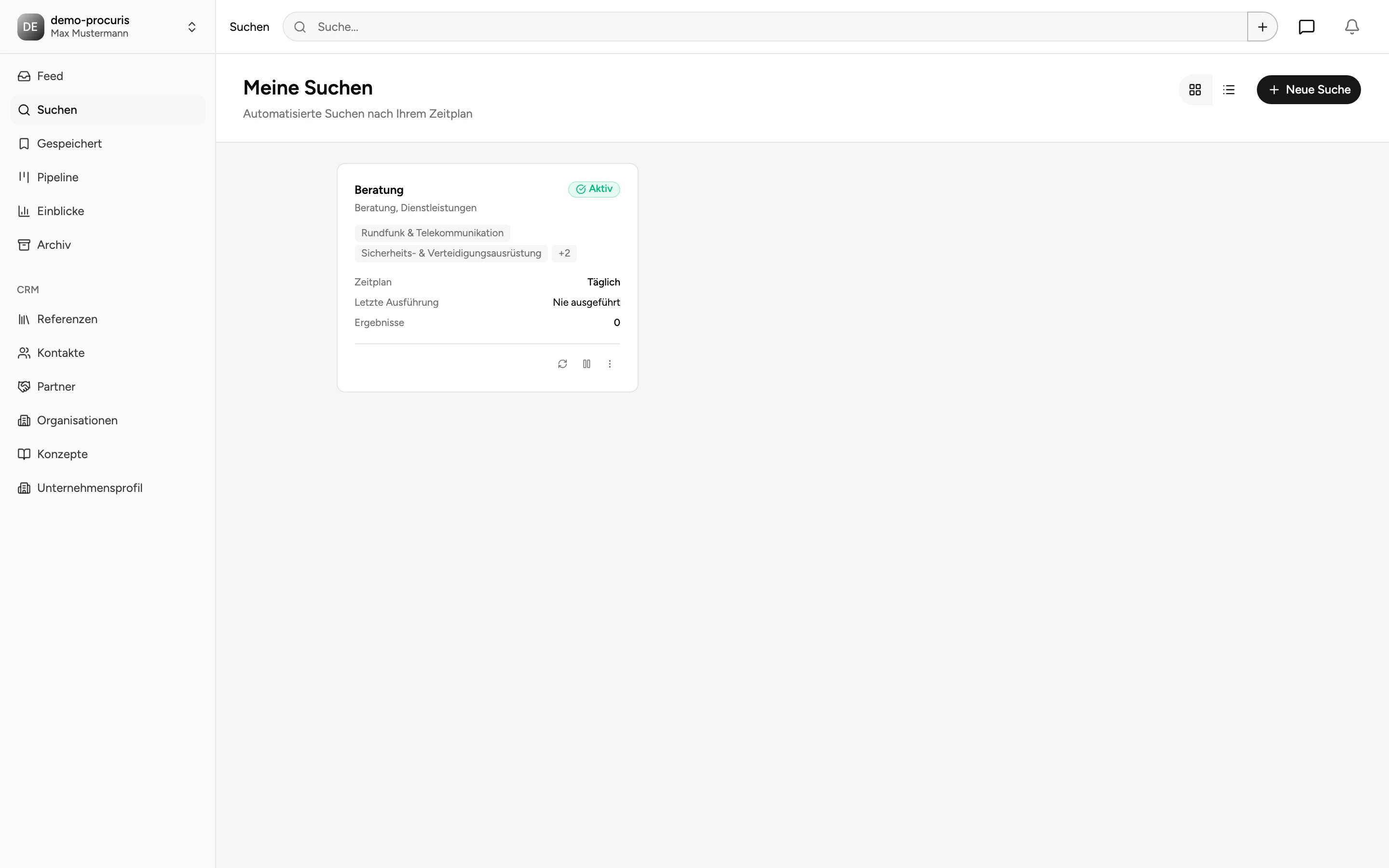
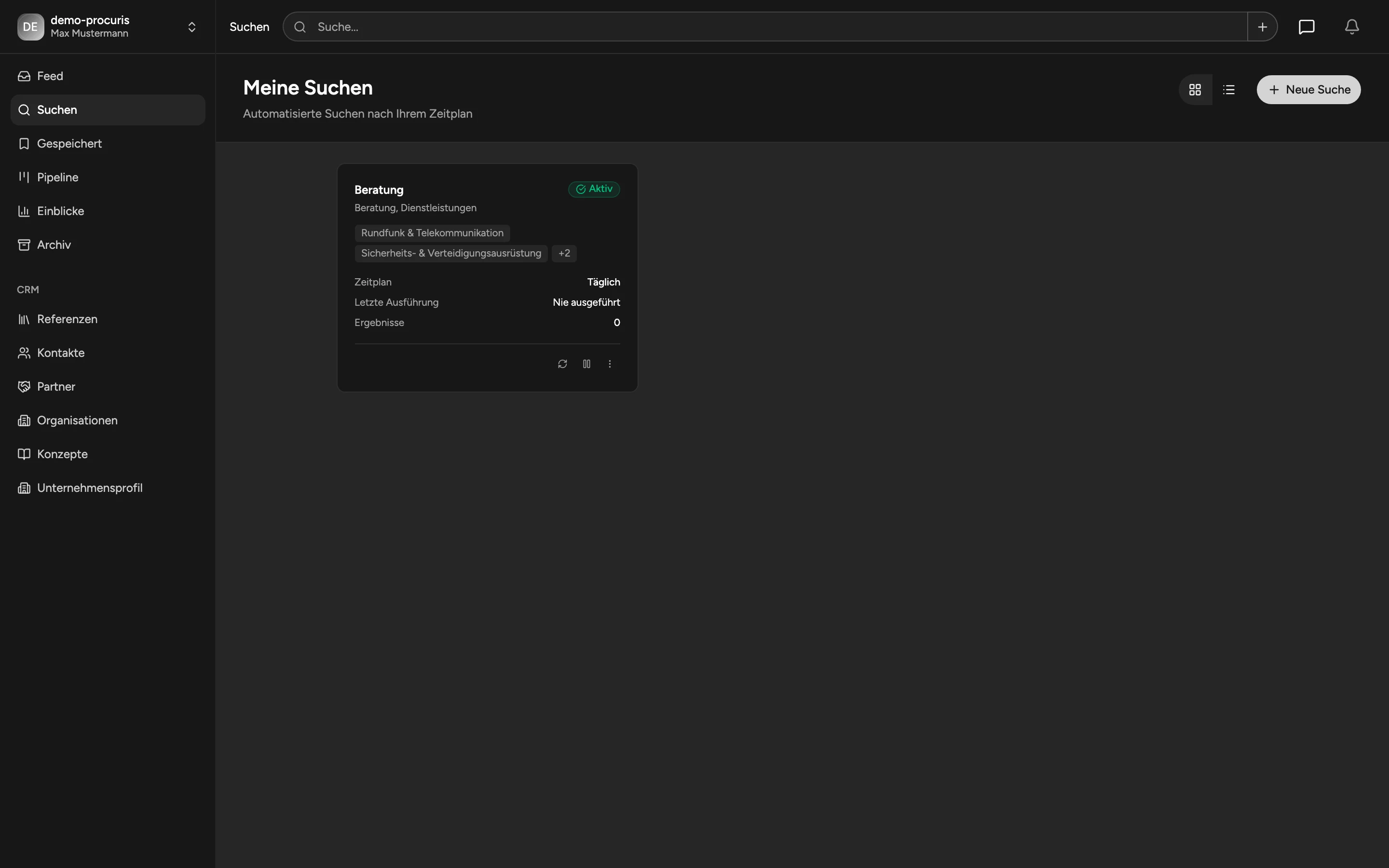
Saved searches use the exact same hybrid system. When a saved search runs on its schedule (daily or weekly), it applies all three strategies — semantic, keyword, and location — to newly published tenders. This means your saved searches automatically benefit from the same precision.
Tips for Better Results
- Be specific: "ISMS consulting services" works better than just "consulting".
- Use acronyms confidently: Technical terms like "ISMS", "BIM", or "SAP" are matched precisely.
- Add a location: "IT security Berlin" narrows results to the Berlin area.
- Combine freely: "SAP migration Hamburg" finds SAP migration tenders in Hamburg.
- Use filters alongside search: Combine your query with CPV codes, value ranges, or date filters for even more precision.